
How to publish sponsored expert columns without confusing your readers
A repeatable workflow for one paid expert column, from picking the question to publishing the disclosed, fact-checked piece.
- Start from a real reader question, not from what the expert wants to say
- Require concrete advice and reject a sales pitch in the article body
- Disclose the payment in plain words near the top, and keep the disclosure line standard
- The publisher checks claims and holds final approval on every sponsored piece
By the end of this guide you will have published one sponsored expert column the honest way. You will have picked a question a reader actually asks, commissioned an expert to answer it, written the disclosure line, fact-checked the claims, and pushed the piece live yourself. Nothing here requires special software.
Before starting you need four things. A willing expert with real knowledge of the topic. A business profile or page you can link the article to, so the reader can see who is behind the advice. A publishing slot in your calendar. And a disclosure line you will reuse on every sponsored piece, so readers learn where it always appears.
The workflow
- 01Pick a real reader question
Search your inbox, your newsletter replies and your community forums for a question a reader has actually asked, and make that question the working title of the piece.
- 02Match the question to an expert
Choose a local professional whose trade answers that question, such as a plumber for a pipe-freezing piece or a CPA for a property-tax piece, and confirm they will answer as an expert rather than as a salesperson.
- 03Set the rules in writing
Send a short brief that states the word count, the deadline, the disclosure line that will run, and one rule: the article gives concrete advice and names no special offer, discount or price for their own service.
- 04Separate the article from the profile
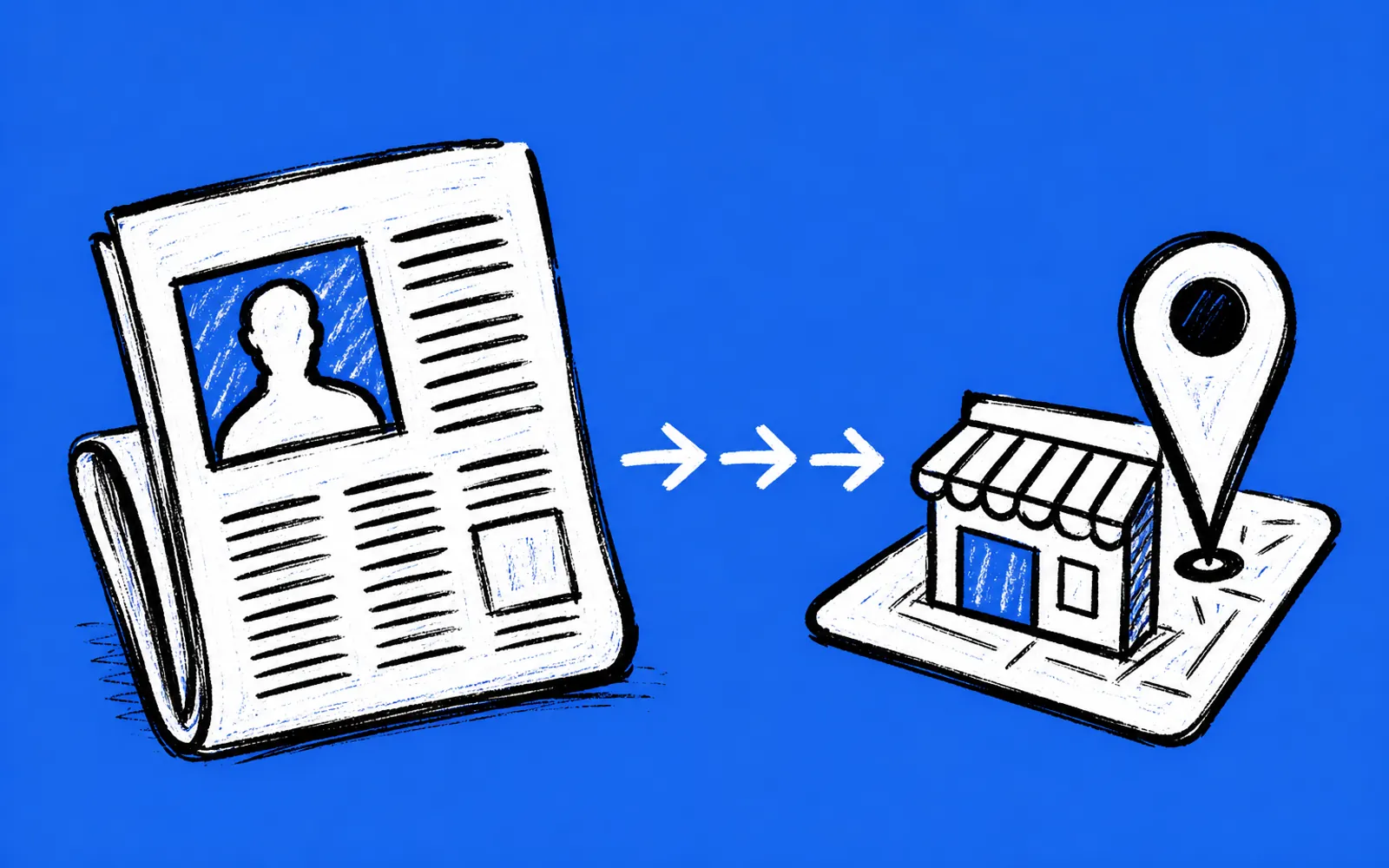
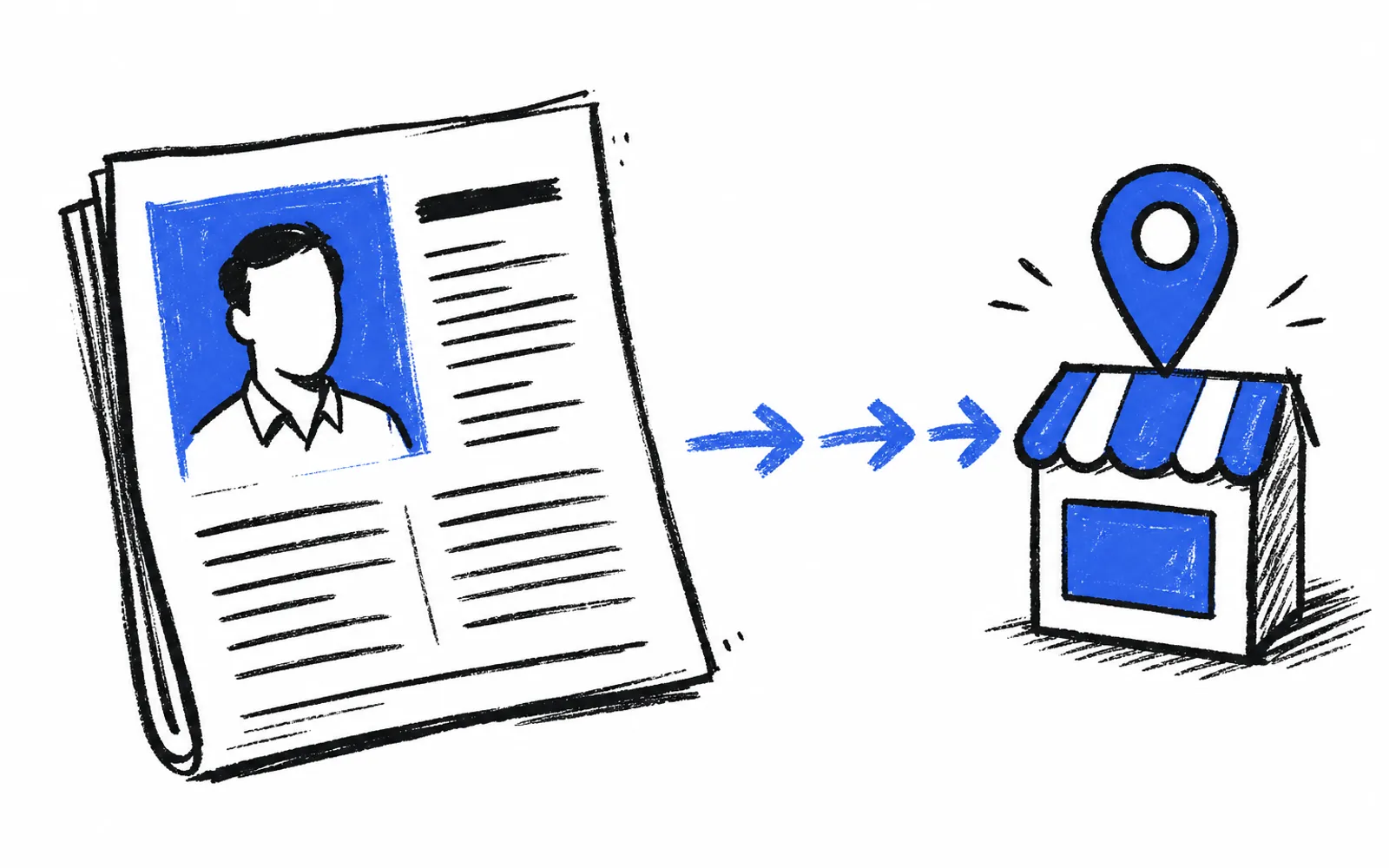
Put the general advice in the article, and leave the business details, hours, photos and any offer in the expert's business page, which the article links to once at the end.
- 05Read the draft as a reader
Cross out every sentence that sells rather than informs, and send the draft back once with those cuts marked rather than rewriting it yourself.
- 06Check every factual claim
Verify each number, rule, deadline or legal claim against a primary source, and either fix it or cut the sentence if you cannot verify it.
- 07Add the disclosure and byline
Place the standard disclosure line near the top, name the sponsoring business in it, and keep the article byline and the sponsor separate so the reader sees both.
- 08Approve and publish it yourself
The expert may review for accuracy, but you make the final call on every word, and you are the one who presses publish.
- 09Excerpt it into the newsletter
Take the most useful passage, add it to your newsletter with the same disclosure, and link back to the full article and the business page.
Where publishers get stuck
The expert keeps pitching instead of advising
This is the most common failure, and the fix is the brief you send before any words are written. State the one rule plainly: concrete advice, no offers, no service prices in the article. If the draft comes back as a brochure anyway, mark the sales sentences and ask for one revision. If the second draft still pitches, decline to run it and refund or move the slot.
Readers do not notice the disclosure
The fix is placement and consistency. Put the disclosure near the top, in the same words, on every sponsored piece, so a reader who has seen one has seen them all. Name the business in the sentence rather than using a label alone. A line like this column was paid for by the named business, and the publisher edited and approved it, tells the reader everything in one breath.
The article and the business page blur together
Keep the split strict. The article answers the reader's question with advice that would hold true no matter who wrote it. The business page holds the name, hours, photos, reviews and any offer. The article links to the page once. If a sentence would only make sense as an ad for that one business, it belongs on the page, not in the article.
One way the plumbing gets easier
The split between article and business page is easier to hold when the business page already exists and the owner already maintains it. On larkfeed, every local business gets a real page with photos, reviews, hours and a map; owners claim theirs for free and can pay the publisher to upgrade it, and each page is structured so Google and AI assistants understand it. A publisher's own stories, events and jobs flow into their newsletter through lightbreak, which is how a sponsored column's excerpt reaches the newsletter without a separate copy-and-paste step.